Access MyECRMC Patient Portal
El Centro Regional Medical Center patients who are over the age of 13 can conveniently manage their health information with MyECRMC.
New Users
Create your account to access your health information
Click Here
Returning Users
Already have an account?
Click Here
Your Online Health Management Tool
The MyECRMC Health Portal allows patients to review their health information and services at our hospital and clinics.
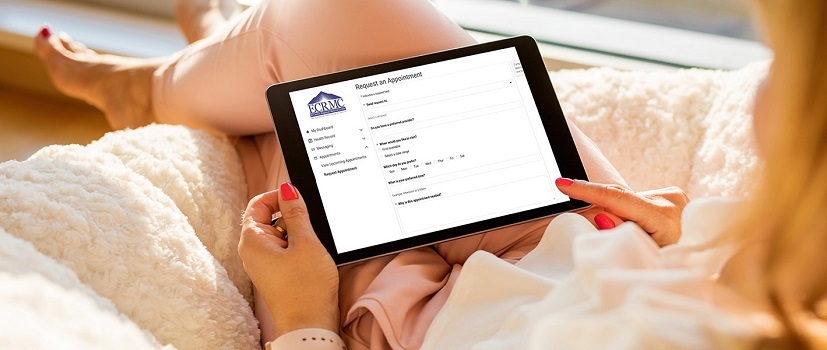
Your secure MyECRMC portal helps you take an active role in your health by storing your medical information in one location. Use your portal to:
- Review lab results and imaging reports
- Go over your physician visit notes and medical history
- Request prescription refills
-
View your medication list
-
Keep track of immunizations and allergies
-
Request appointments with ECRMC physicians
-
Send secure messages to ECRMC physician and provider offices
-
Access trusted health information resources
-
Pay your balance
-
And more!
Visit myecrmc.iqhealth.com to get access to MyECRMC.
Want to Add the App for Smart Phone or Tablet?
Having your health information can be helpful at home, at work, around town — and especially when you’re out of town. Follow these steps to activate the app:
- If you have not already, activate your MyECRMC account with the information you received from El Centro Regional Medical Center.
- Download the HealtheLife application from the Apple App Store or Google Play.
- Enter your username and password.
Need Help?
If you need assistance creating your account or accessing your portal:
- Call Medical Records at (760) 339-7190
- Request a step-by-step setup guide for help with enrollment